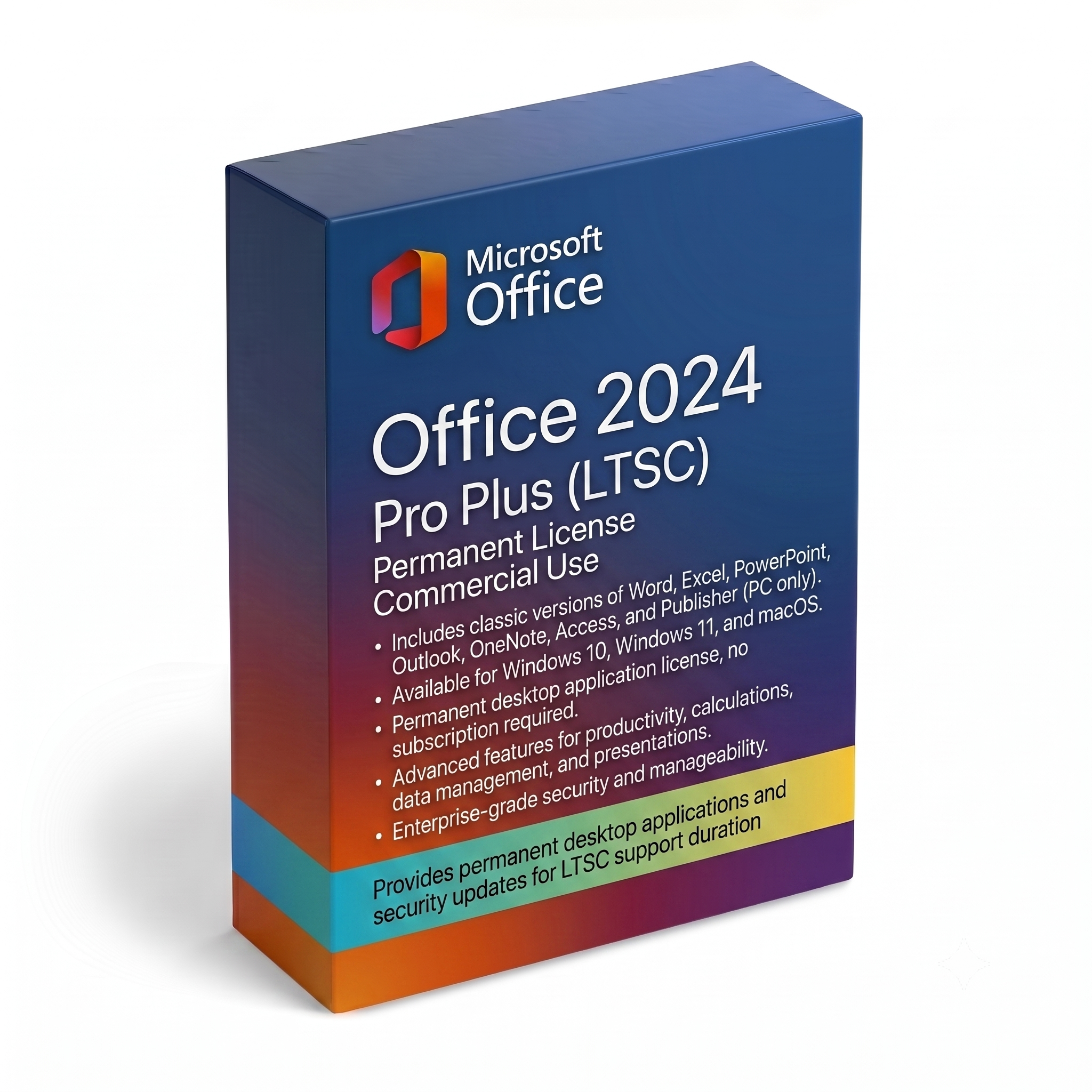
Microsoft Office 2024 Pro Plus (LTSC)
425 EGP
Lifetime License • Instant Delivery • 100% Genuine Guarantee
Instant Delivery
Via Email 24/7100% Genuine
Official License KeyProduct Description
Lifetime License
1 PC Activation
Commercial Use Authorized
LTSC Version
Empower your productivity with Microsoft Office 2024 Professional Plus, the ultimate suite tailored for professionals, businesses, and power users who require reliable standalone desktop applications without a subscription. This version delivers enhanced performance, superior speed, and advanced integration features across all core applications to optimize your workflow seamlessly.
Key Included Applications
- 📊 Word 2024
- 📈 Excel 2024
- 📉 PowerPoint 2024
- ✉️ Outlook 2024
- 🗄️ Access 2024
- 📰 Publisher 2024
- 📝 OneNote 2024
Product Highlights & Features
One-Time Purchase
No recurring monthly or annual subscription fees. Own the classic 2024 apps forever.
Enhanced Performance
Optimized for Windows 10 and Windows 11 with faster load times and stability improvements.
Advanced Excel Tools
Includes new dynamic arrays, powerful
XLOOKUP additions, and advanced data analysis features.
Modernized Outlook
Better search functionalities, optimized email organization, and smoother calendar syncing.
System Requirements
| Component | Requirement |
|---|---|
| Operating System | Windows 10 or Windows 11 (32-bit or 64-bit) |
| Processor | 1.6 GHz or faster, 2-core processor |
| Memory (RAM) | 4 GB RAM (64-bit); 2 GB RAM (32-bit) |
| Hard Disk Space | 4.0 GB available disk space |
| Display | 1280 x 768 screen resolution |
Installation & Activation Guide
Please follow these steps carefully to cleanly download, install, and activate your Microsoft Office 2024 Professional Plus license.
CRITICAL PRE-REQUISITE: You must completely uninstall any previous versions of Microsoft Office (e.g., Office 2016, 2019, 2021, or Office 365) before starting. Restart your computer after uninstallation to avoid file conflicts.
Step-by-Step Installation
- Download the Deployment Tool: Go to the official Microsoft Download Center and download the Office Deployment Tool (ODT).
-
Extract the Files:
Create a new folder directly in your
C:drive and name itODT(Path will beC:\ODT). Run the downloaded ODT file and extract its contents into this new folder. -
Configure Your Setup:
Visit the official Office Customization Tool website (config.office.com). Select your architecture (64-bit recommended) and choose Office LTSC Professional Plus 2024 - Perpetual License. Customize your language preference, click Export, choose the standard XML format, and save the file as
configuration.xmlinside yourC:\ODTfolder. -
Run the Installation command:
Open the Windows Search bar, type
cmd, right-click on Command Prompt, and select Run as administrator. - Execute Setup: In the Command Prompt window, type the following command to navigate to your folder and press Enter: cd C:\ODT Next, paste the following deployment command and press Enter: setup.exe /configure configuration.xml An official Microsoft installation window will pop up. Wait for the download and installation progress to finish completely.
Product Activation
- Open an App: Once the installation is complete, open any Office application such as Microsoft Word.
- Navigate to Account Settings: Click on File in the top-left corner, then click on Account (or Product Information) from the bottom-left menu.
- Enter License Key: Click on the Change Product Key or Activate Product button. Carefully enter your genuine 25-character product license key and click Activate.
- Verify Activation: Restart the application. Go back to File > Account. You should see "Product Activated" next to Microsoft Office 2024 Professional Plus. Your suite is now permanently ready for lifetime use!